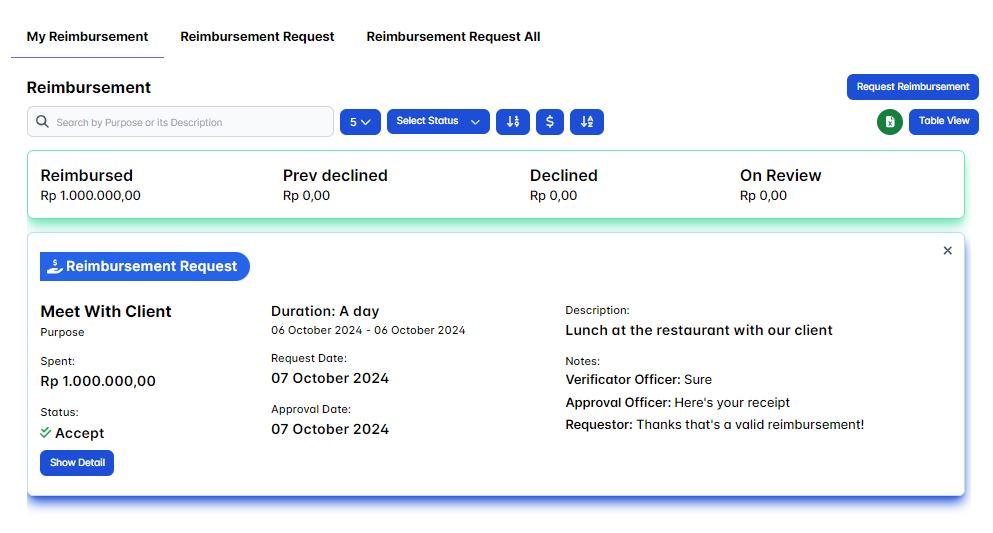
My Reimbursement
A reimbursement is the act of compensating someone for expenses they have already incurred. It involves repaying money spent by an individual on behalf of a company.
For example, if an employee pays for a business-related expense out of pocket, such as travel, meals, or supplies, they can submit receipts to their employer for reimbursement, meaning they will be paid back the amount spent.
In this HRIS if a user make they could create a reimbursement request then a user(s) with a extra role of verificator officer and approval officer will verifying user's reimbursement request then if it's a valid business-related expense both verificator officer and approval officer should accept the request then the approval officer will also provide the reimbursement evidence to the requesting user's.
Request Reimbursement
To create a reimbursement request you could click the Request Reimbursement button.
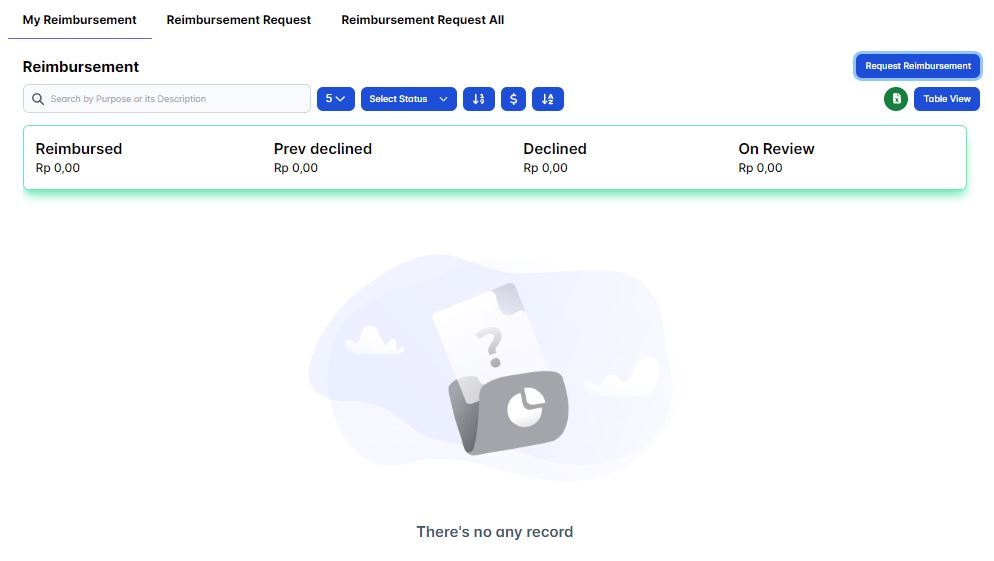
Then the request reimbursement form will appear, fill in all the form input such as the reimbursement purpose, spent, duration, description, the evidence then choose your verificator officer and the approval officer.
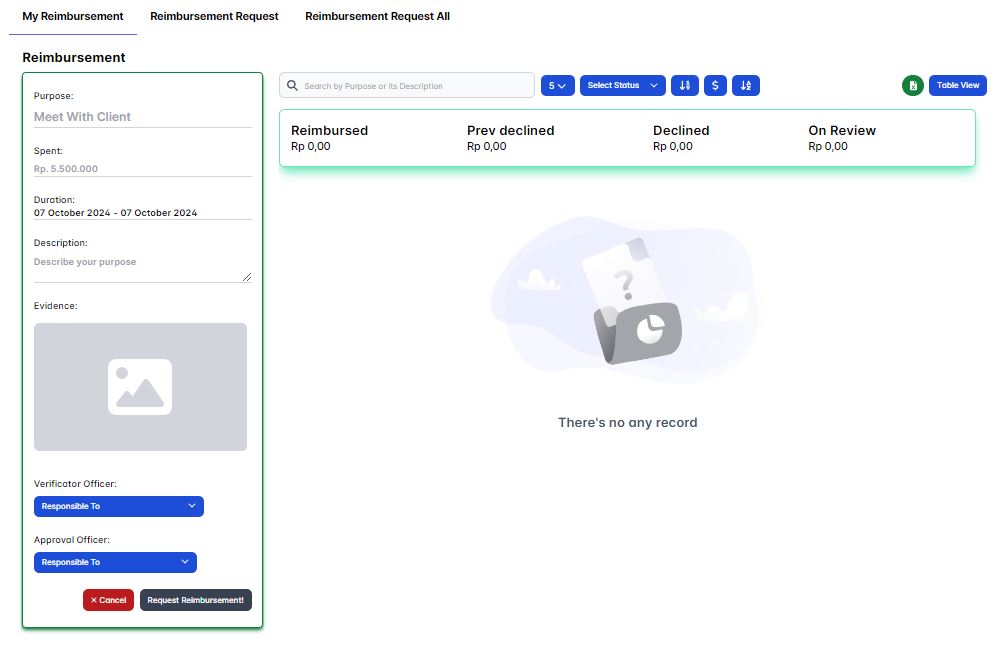
Once you've fill in all the required input then click Request Reimbursement button to submit your reimbursement request.
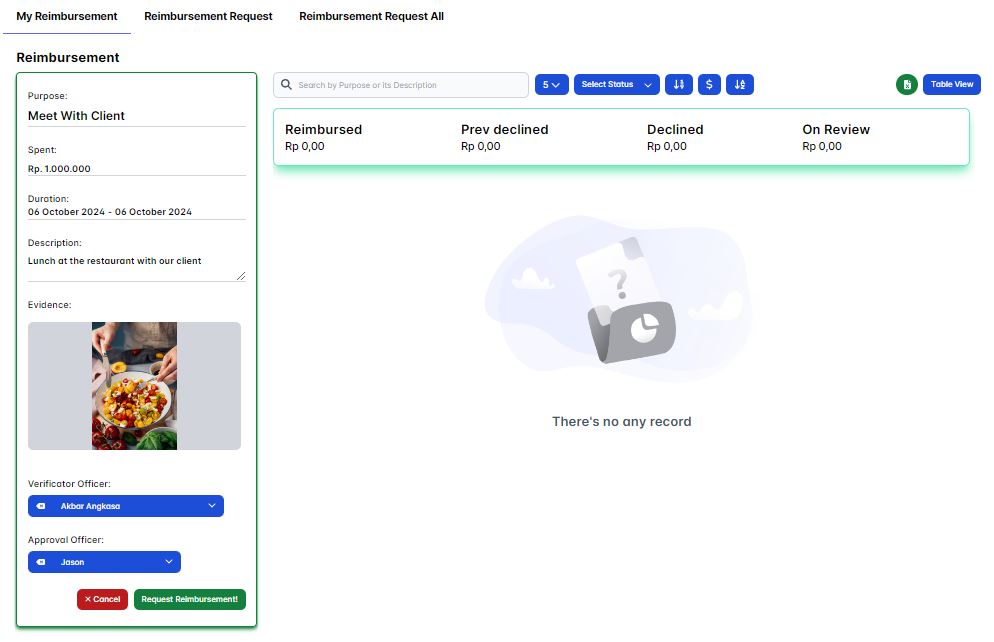
You've successfully created a reimbursement request!, now you just need to wait for the verificator officer and the approval officer to either accept or decline your reimbursement request before you could proceed to the next step.
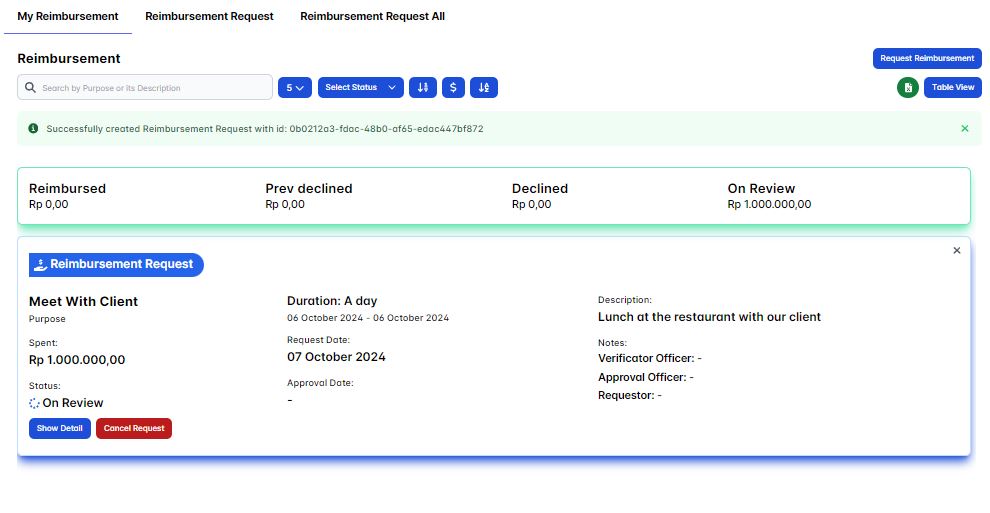
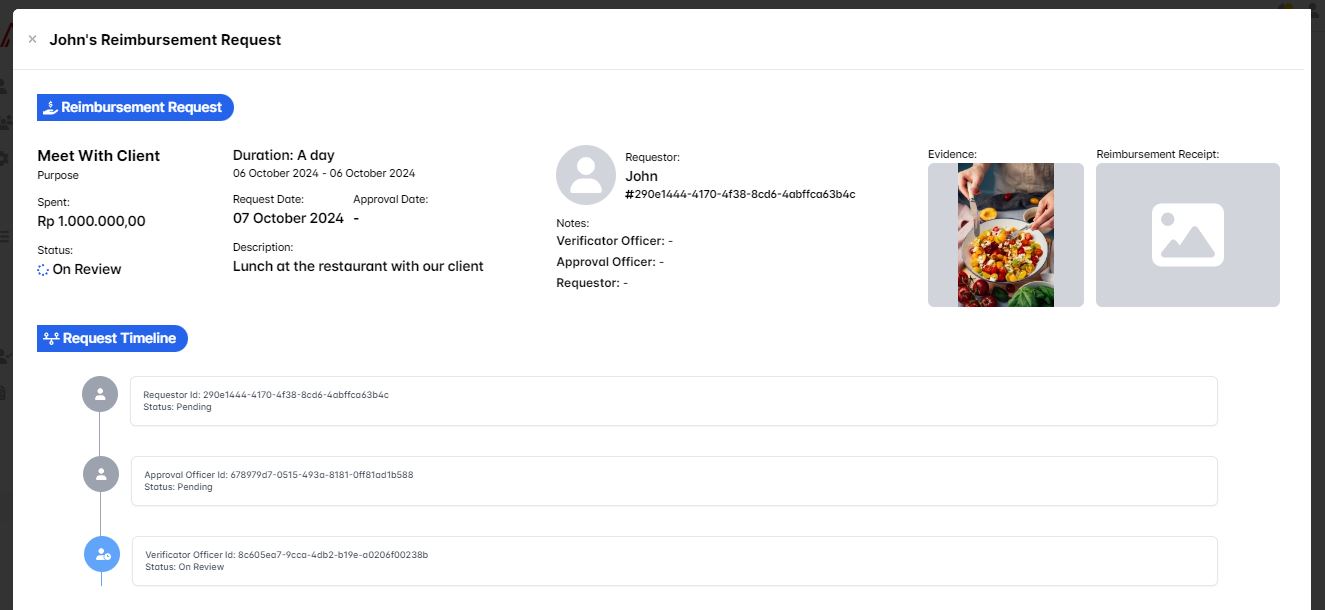
You could track the process of your reimbursement request here, try to click the Show Detail button to track your reimbursement request more detailed.
Accept My Reimbursement Request
If your reimbursement request is accepted by both the verificator officer and approval officer, you should see the reimbursement receipt as it's payment evidence in your requested reimbursement request, try to click the Show Detail button on your current requesting reimbursement.
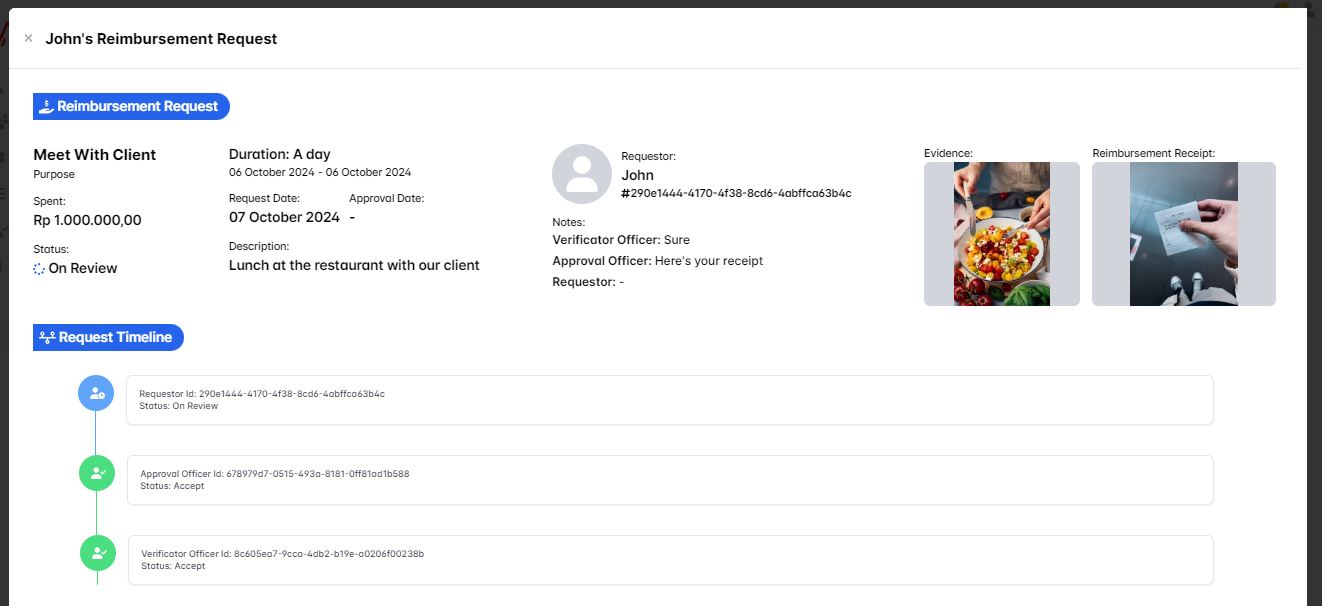
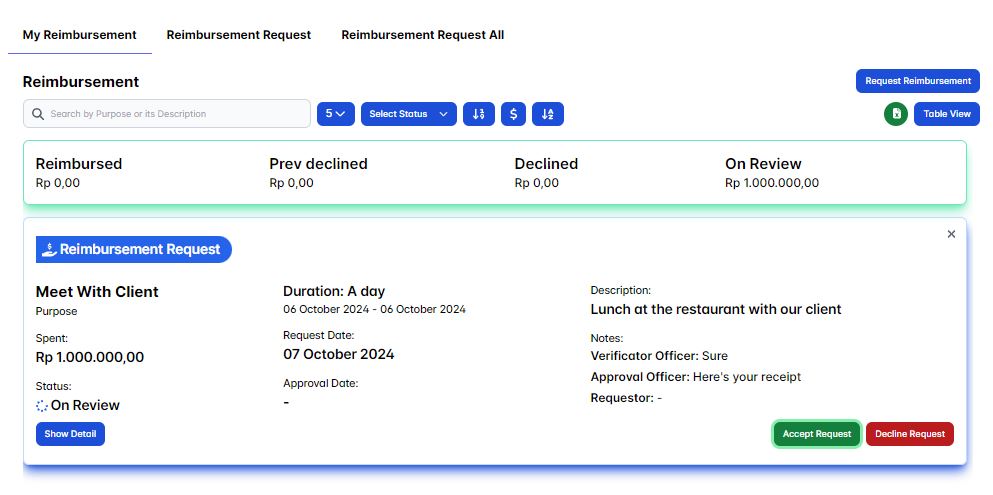
On the show detail mode you'll see your Reimbursement Receipt as your reimbursement have been paid evidence and the Request Timeline is also updated, now it's up to you to either accept or decline your expense have been reimbursed, if the reimbursed is valid then accept it by clicking the Accept Request button but if not then decline it by clicking the Decline Request button.
Always make sure your business-related expense is always properly reimbursed, like for istance if your taking your reimbursement payment via a bank transfer, then check your bank account balance if there's any a history that suitable with your current reimbursement request aspecially on the payment amount.
Now let's consider this Reimbursement Receipt a valid one, hence click the Accept Request button to finally finish your reimbursement request.
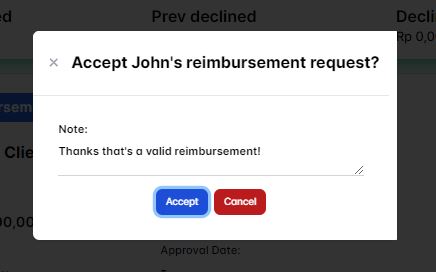
A confirmation pop-up will appear and it's prompting you to write a message as a reason why you're accepted the reimbursement request.
Finally you've finished your reimbursement request, notice that you'll see your personal stat of your reimbursement is being displayed on the My Reimbursement page section.